Skip to content
Eyou Atende · Customer service and sales

Serve with context. Follow every opportunity.

Bring WhatsApp and other channels together, organize your team and connect customer service, sales and AI in one place — with your company's knowledge.
WhatsApp and 5 more channels
People and AI together
Assisted setup
atende.eyou.com.br · inbox
Eyou Atende inbox showing a WhatsApp conversation with the customer context alongside. Sample data.
Sales queue
conversation assigned
Opportunity
created in the CRM
6 channels
WhatsApp, website chat, Telegram, SMS, RCS and email
1 inbox
queues, owners and history in the same place
CRM
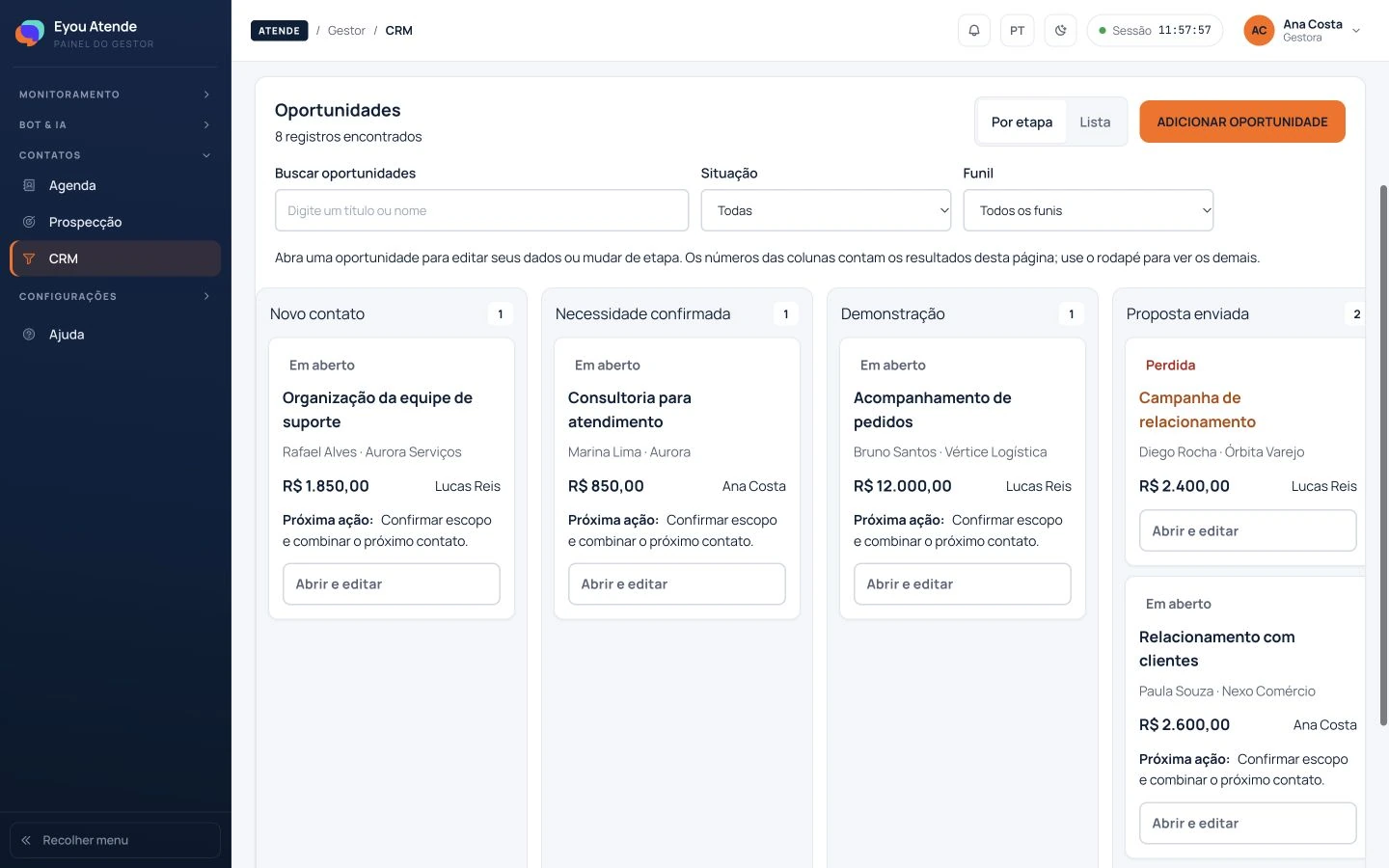
pipelines, stages and tasks linked to the conversation
AI
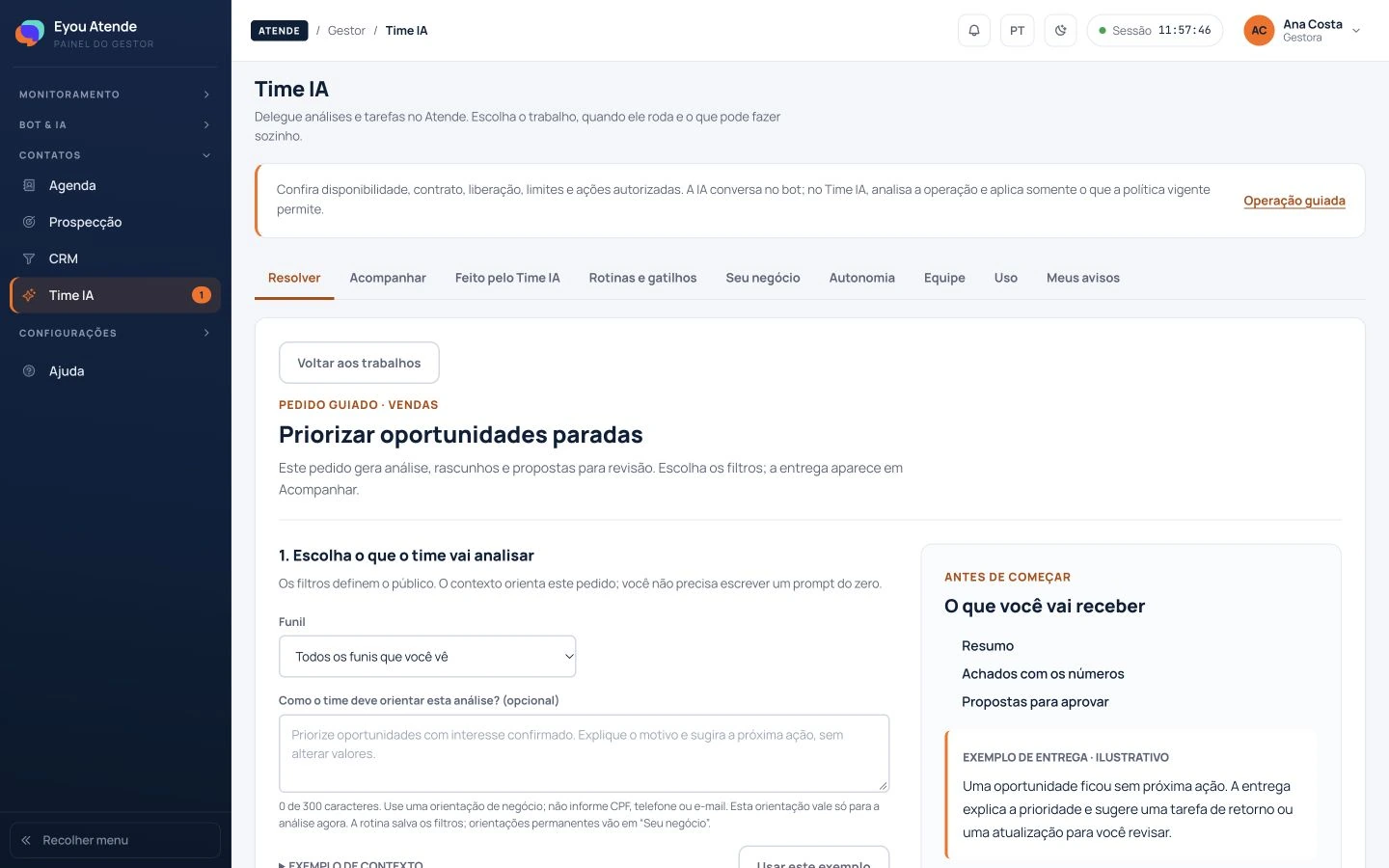
bot, AI agent and Time IA under human control

Channels and AI features depend on configuration and your agreement.

Do these situations sound familiar?

Every conversation needs an owner. And a next step.

“Who was going to reply?”

Messages arrive through different channels and the team loses track of what is pending.

In Eyou AtendeQueues, owners and history in the same conversation.

“Do I have to explain it again?”

The customer switches agents and has to start the conversation over.

In Eyou AtendeThe team continues with the context already recorded.

“What happened to that opportunity?”

Someone shows interest, but the follow-up is put off and the contact goes cold.

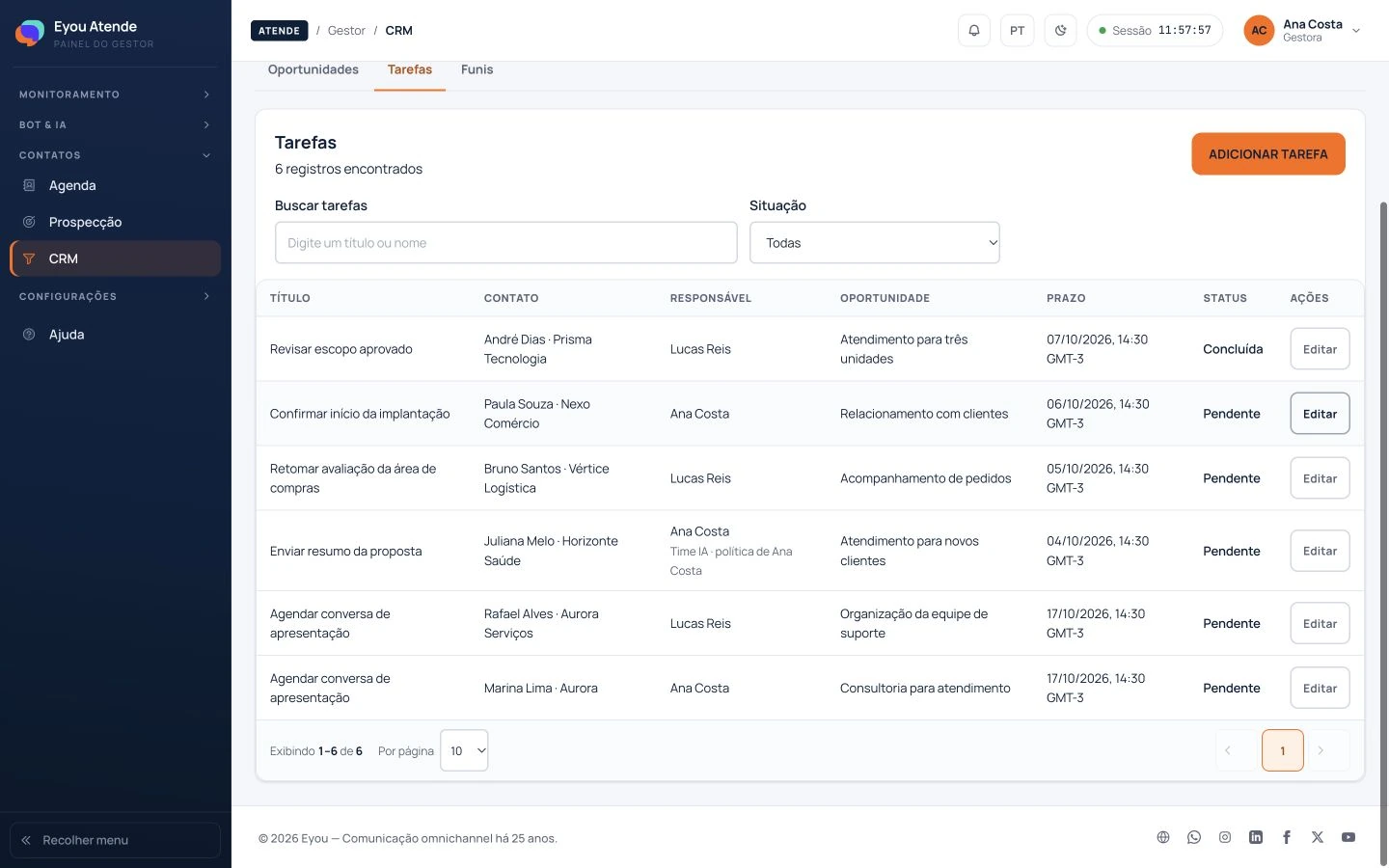
In Eyou AtendeCRM and tasks keep sales work moving forward.
See it in action

One conversation. Several next steps.

Follow three situations in Eyou Atende and see how information helps your team act.

Your customer replies. Your team already knows why.

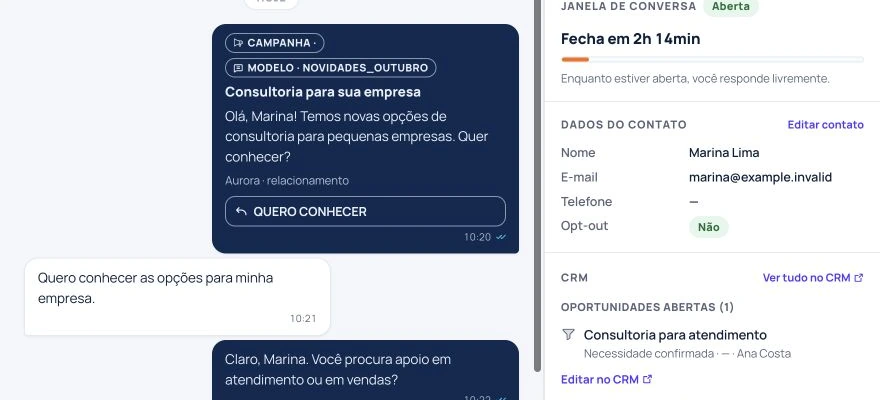
The message that started the contact appears alongside the conversation. Your team sees what was sent and continues from there.
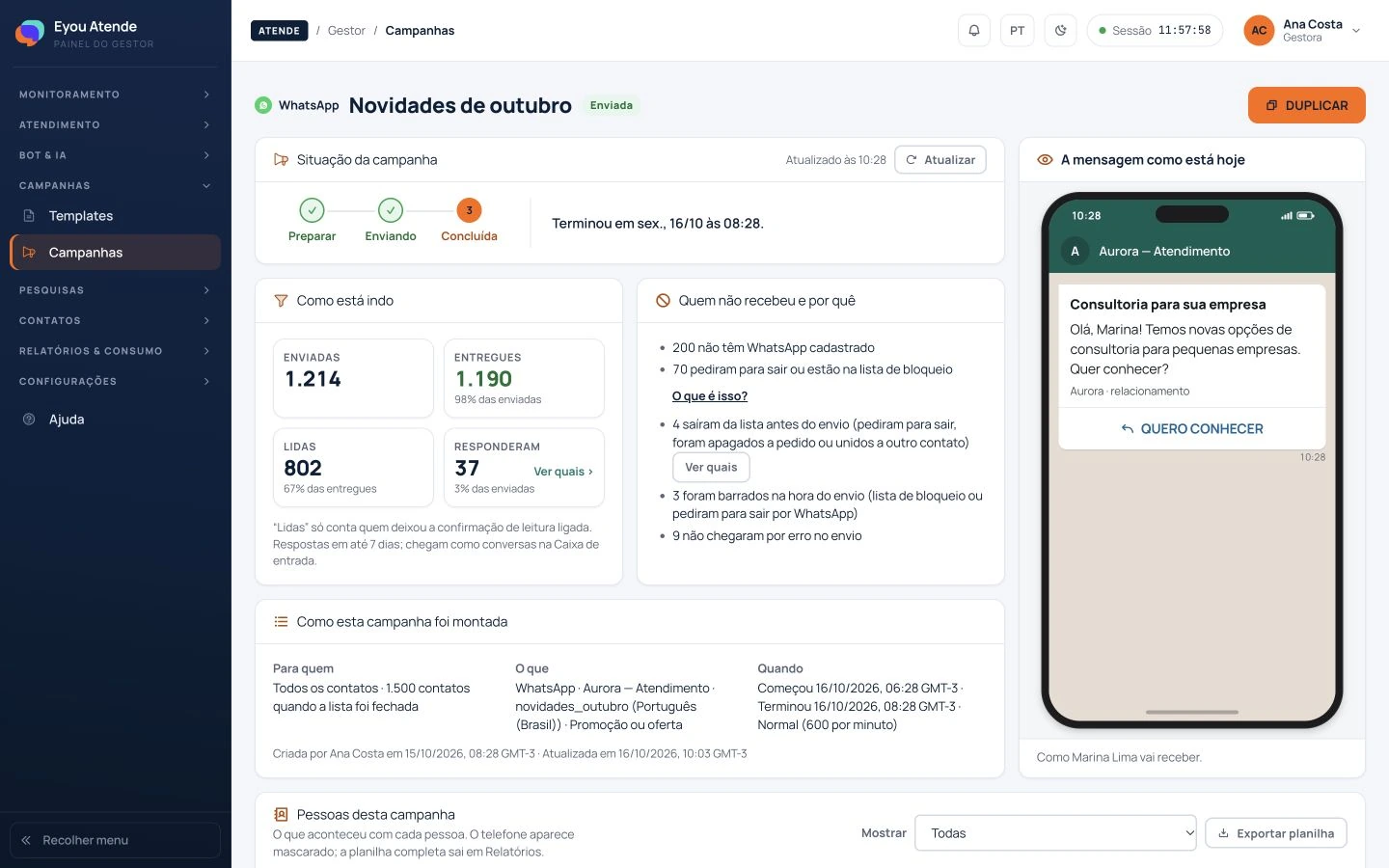
atende.eyou.com.br · inbox Campaign in Eyou Atende showing its content and recipient tracking. Enlarge
Step 01The campaign arrives

A message prepared for the right audience starts the contact.
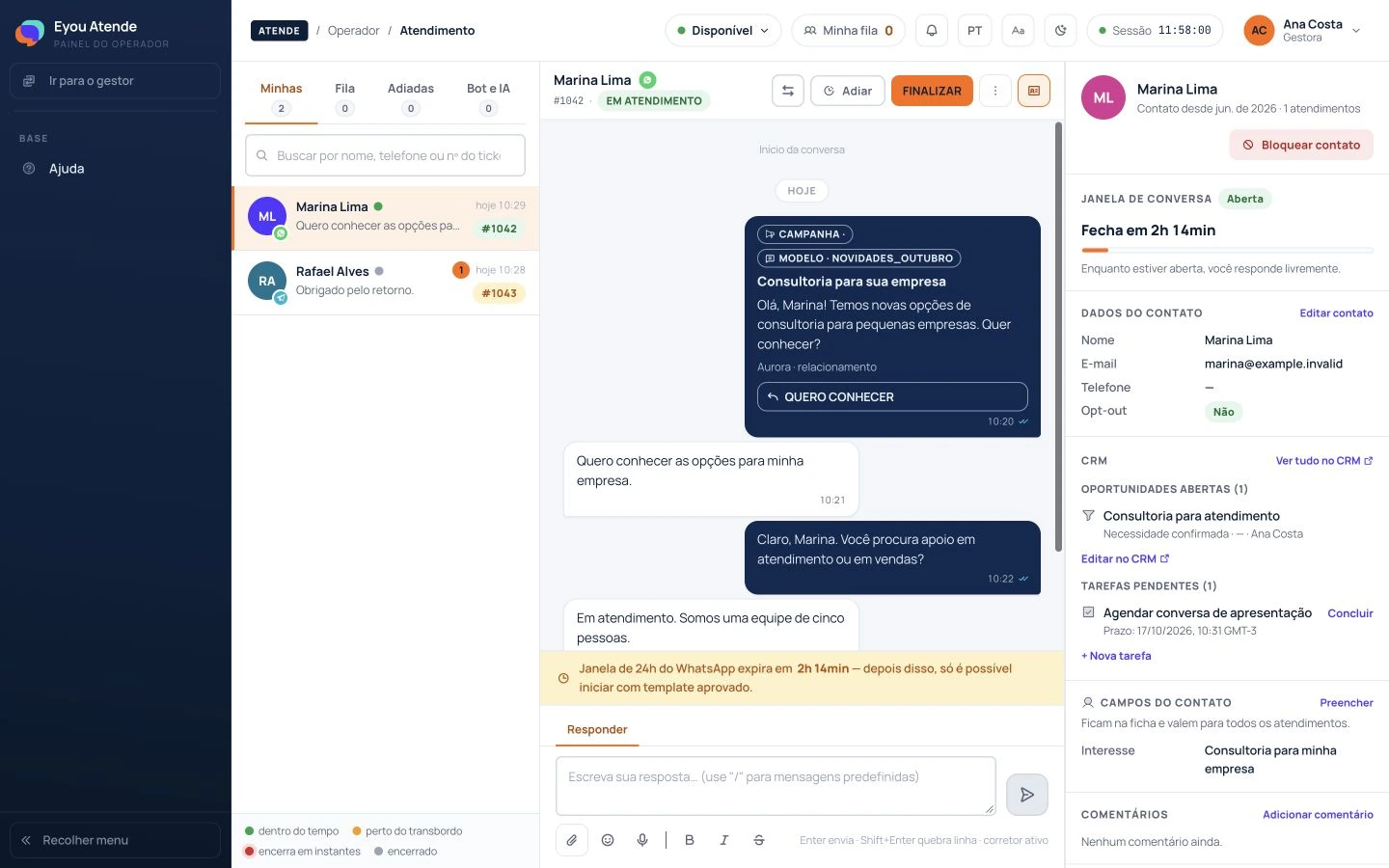
atende.eyou.com.br · inbox Customer conversation in the Eyou Atende inbox. Enlarge
Step 02The customer replies

The reply enters the inbox and can be routed to the responsible queue.
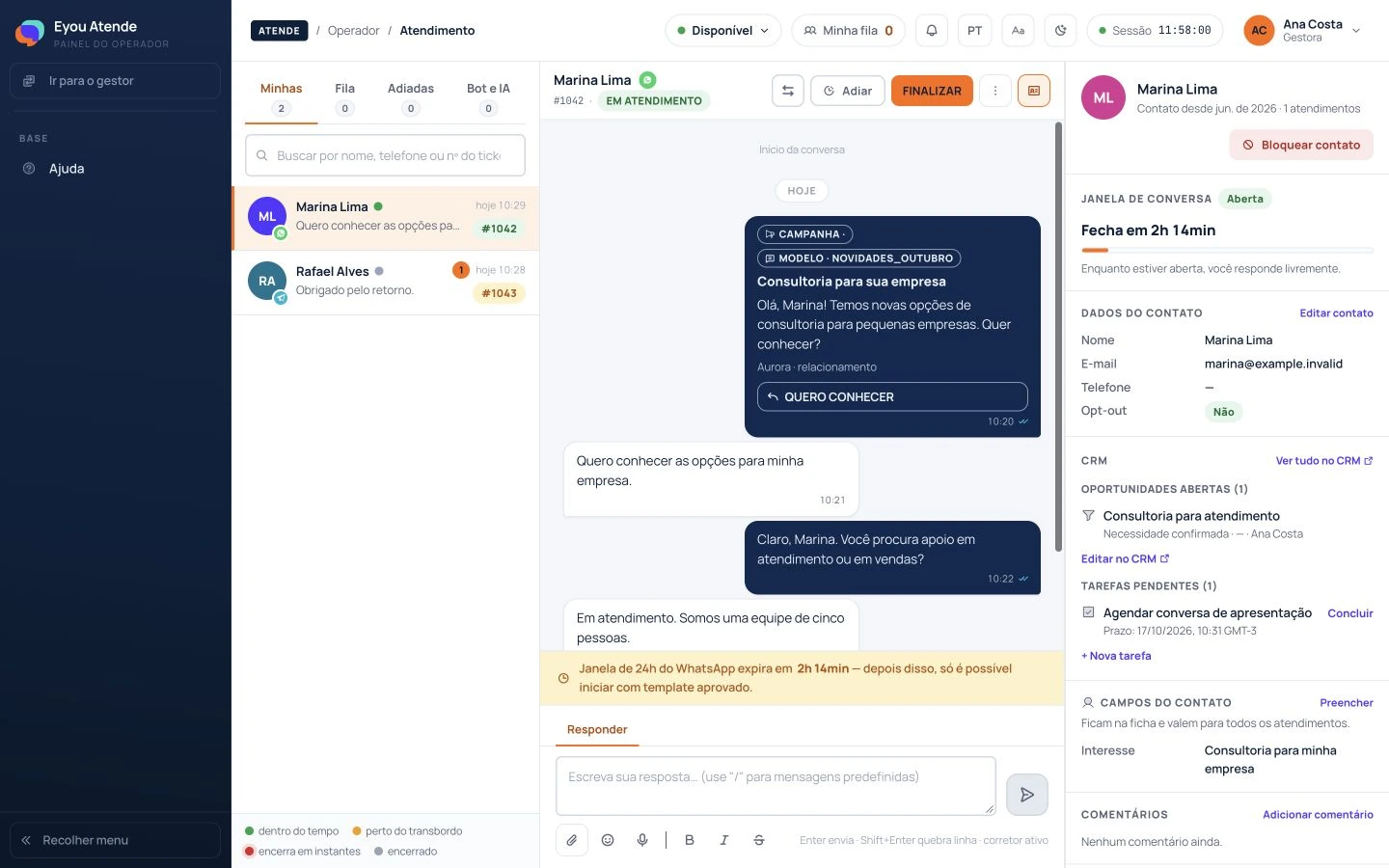
atende.eyou.com.br · inbox Original campaign message visible in the conversation history. Enlarge
Step 03The context follows

The original message stays visible in the conversation so the team can understand the interest.

Guided demo with sample data. Product screens are in Portuguese.

Customer service that continues into sales

From the first message to the follow-up.

Your team finds the history, organizes opportunities and prepares the next contact within the same operation.

Assign and follow up

Queues, owners, transfers and snoozing help organize human customer service.

Give every opportunity a place

Pipelines, stages, tasks and owners make the next step visible to your sales team.

Keep the relationship going

Segmented campaigns and journeys with wait steps and conditions prepare the next contact.

AI with your company's context

Knowledge to answer. Judgment to act.

Prepare your company's knowledge base, configure lookups and define when the team gets involved. Eyou supports you through this setup.

Visual bot

Organize the path

Create flows for questions, information gathering and routing. AI can help answer using your company's knowledge base.

AI agent

Converse with knowledge

Handle conversations using the bot's shared knowledge base and configured API lookups. Your team can take over when needed.

Time IA

Find where to act

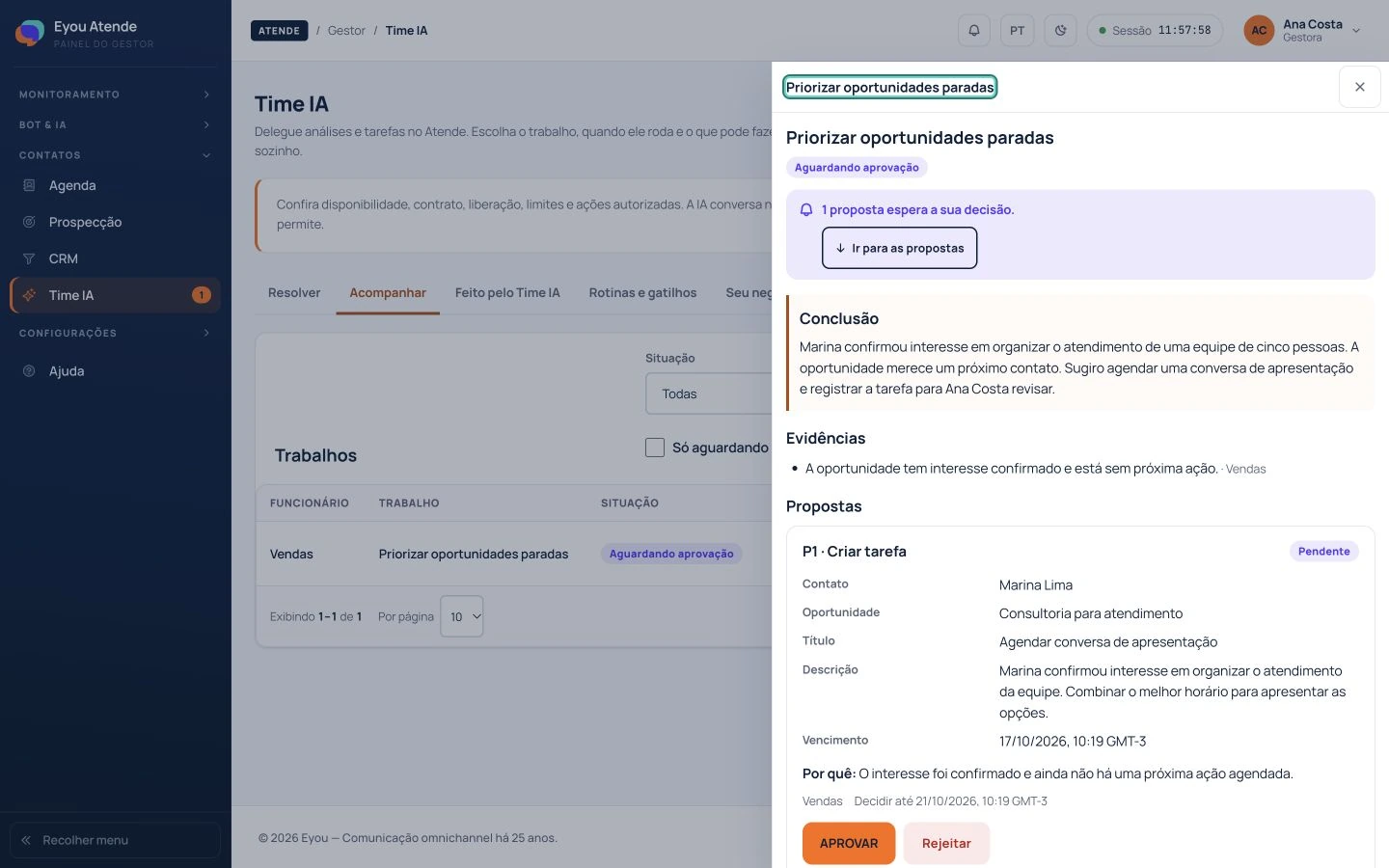
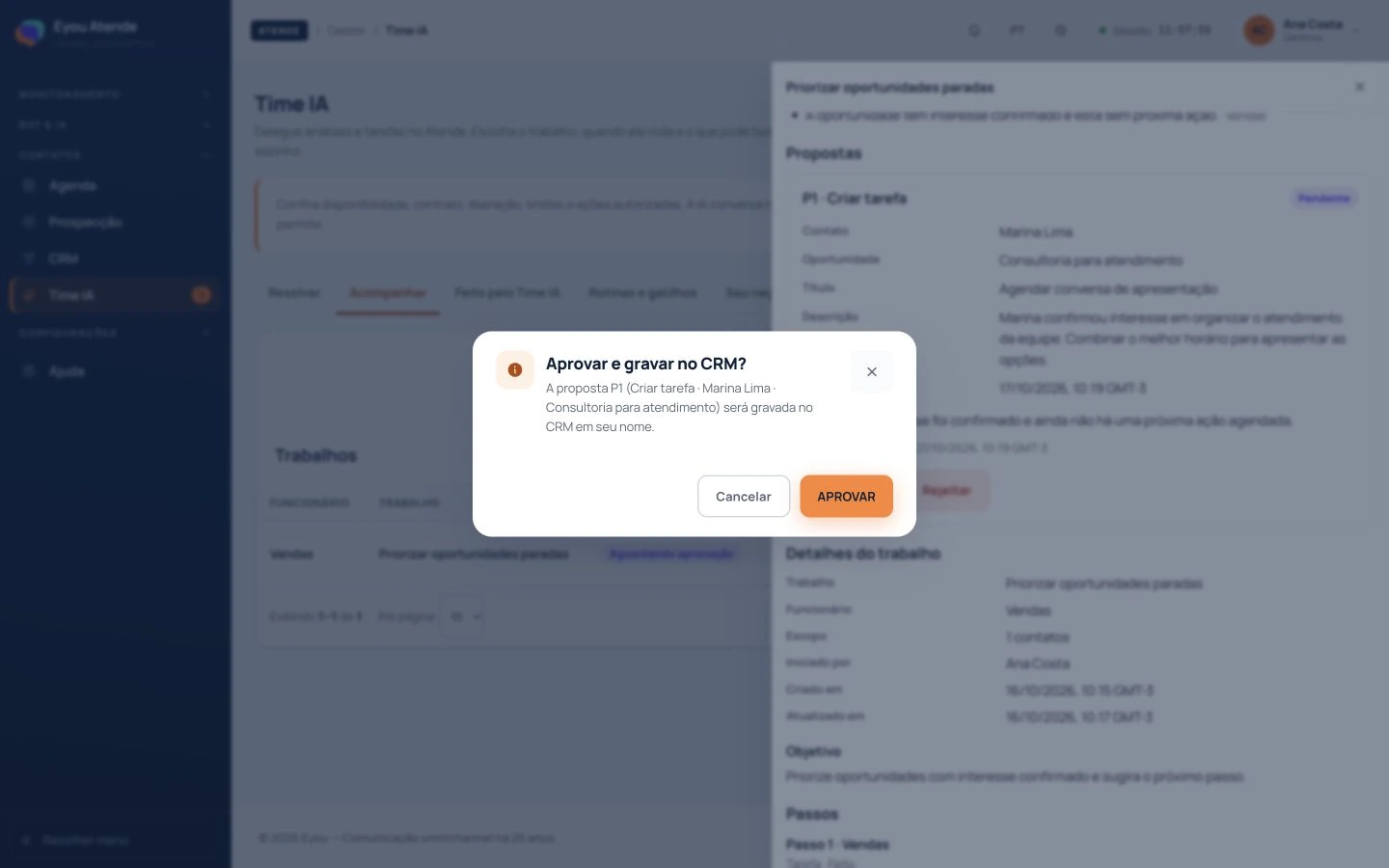
Analyze customer service, opportunities, relationships, campaigns and indicators. Review proposals and authorize actions.

Time IA and management

AI features depend on configuration and activation. Your company uses its own OpenAI or Anthropic key; models, capabilities and usage vary by provider. Autonomy depends on approved rules and limits.
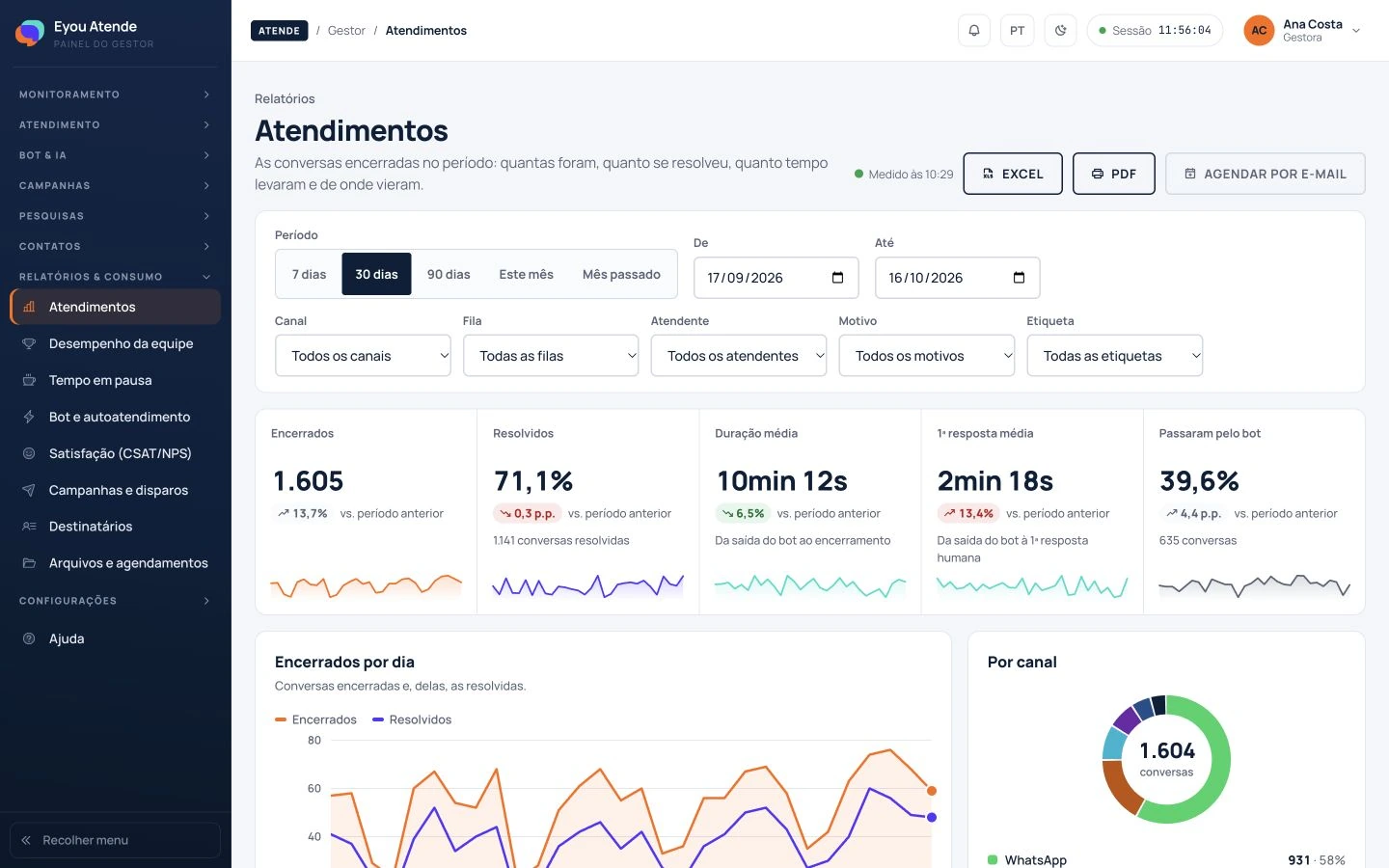
Reports · operation overview
atende.eyou.com.br · reports Eyou Atende report with indicators and charts for a sample operation. Enlarge
Visibility for managers

See your operation. Prepare its next steps.

Track customer service, your team, bots, satisfaction and campaigns. Use that information to guide the next improvements to your operation.

  • Reports to stay informed. Explore indicators, filters and details. Export or schedule reports where the feature is available.
  • Integrations with a purpose. Configure lookups to your company's APIs to bring information into flows and AI conversations.
  • Rules and responsibilities. Organize access, owners and approvals so each team works within its role.
Assisted setup

Start with your operation.

Eyou supports your setup from the first channel to the first adjustments.

  1. Understand

    We learn about your channels, team, customer service routine and sales goals.

  2. Configure

    We prepare channels, queues, knowledge, integrations and rules within the agreed scope.

  3. Prepare your team

    We guide you through using the platform and support the initial adjustments as your operation gets started.

Frequently asked questions

What you need to know before getting started.

What is Eyou Atende?
It is Eyou's platform connecting customer service, sales and customer relationships. It brings together conversations across channels, teamwork, bots, CRM, campaigns, journeys and AI features, depending on configuration and your agreement.
Which channels can I connect?
WhatsApp, Telegram, website chat, SMS, RCS and email. Each channel has its own requirements; email depends on the account and reply routing being configured. During the demo, we assess which channels suit your operation.
Can I use my current WhatsApp number?
During setup, our team assesses your number, its current configuration and the provider rules. This assessment determines how WhatsApp can be connected to your operation.
How does AI learn about my company?
You prepare your company's knowledge base, shared by the bot and the AI agent. You can also configure API lookups to use information from your systems during conversations. Assisted setup helps define knowledge, rules and limits.
Can a person take over the conversation?
Yes. Your team can monitor and take over customer service according to their permissions and the operational configuration. The history helps them continue the conversation with context.
Does Time IA do everything on its own?
Time IA analyzes information and proposes actions for review. Autonomous execution depends on activation, your agreement, and approved rules and limits. You can monitor and stop its use according to the configuration.
Can I integrate my systems?
The bot and AI agent can look up your company's configured APIs. Feasibility depends on the available endpoints and the data needed. We assess this during the demo; you do not need to replace your system to start the conversation.
How do pricing and contracting work?
The proposal considers your operational scope and the channels and features you choose. Channel usage has its own billing rules. AI uses your company's key, and usage is billed to your account with the chosen provider, OpenAI or Anthropic. The demo helps define the setup before you sign up.
Let’s look at your operation

See Eyou Atende in your company's context.

Tell us the basics through the contact form. Our team will get in touch to arrange a demo and understand your next steps.

Talk to a specialist
  • A conversation about your operation.
  • The features that make sense for you.
  • Guidance on setup, channels and AI.